How to Use Your Signature
Follow these steps to generate and install your Disty email signature

AGenerate
- 1Go to the email signature generator at sign.disty.dev.
- 2Fill out the form with your information.
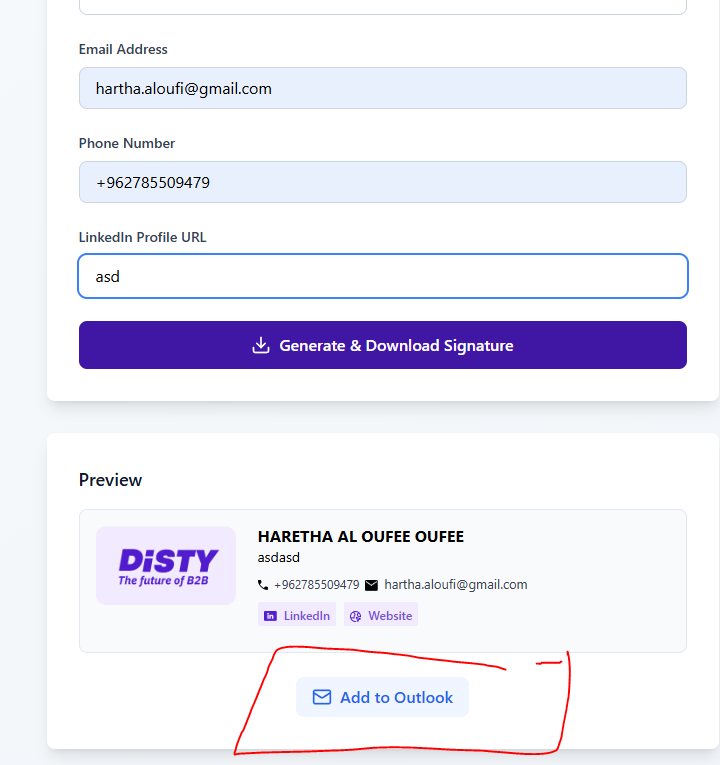
- 3Click "Generate & Download Signature".
BCopy your signature
- 1Open the downloaded file — double-click it and it will open in your default browser.
- 2Select the whole page with Ctrl + A (Cmd + A on Mac).
- 3Copy it with Ctrl + C (Cmd + C on Mac).
- 4
Back in the generator, click "Add to Outlook".
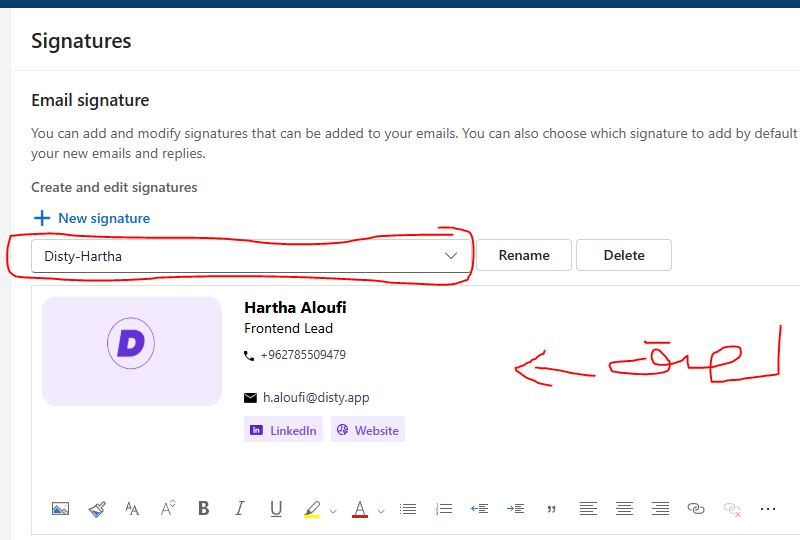
- 5Paste the signature into the signature box.
- 6
Give it a name and click Save.
CUse it
- 1
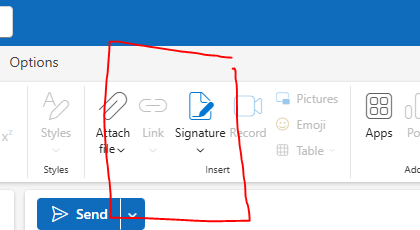
Click the email signature icon while composing a new email to insert it.